How to use SpoofCoach
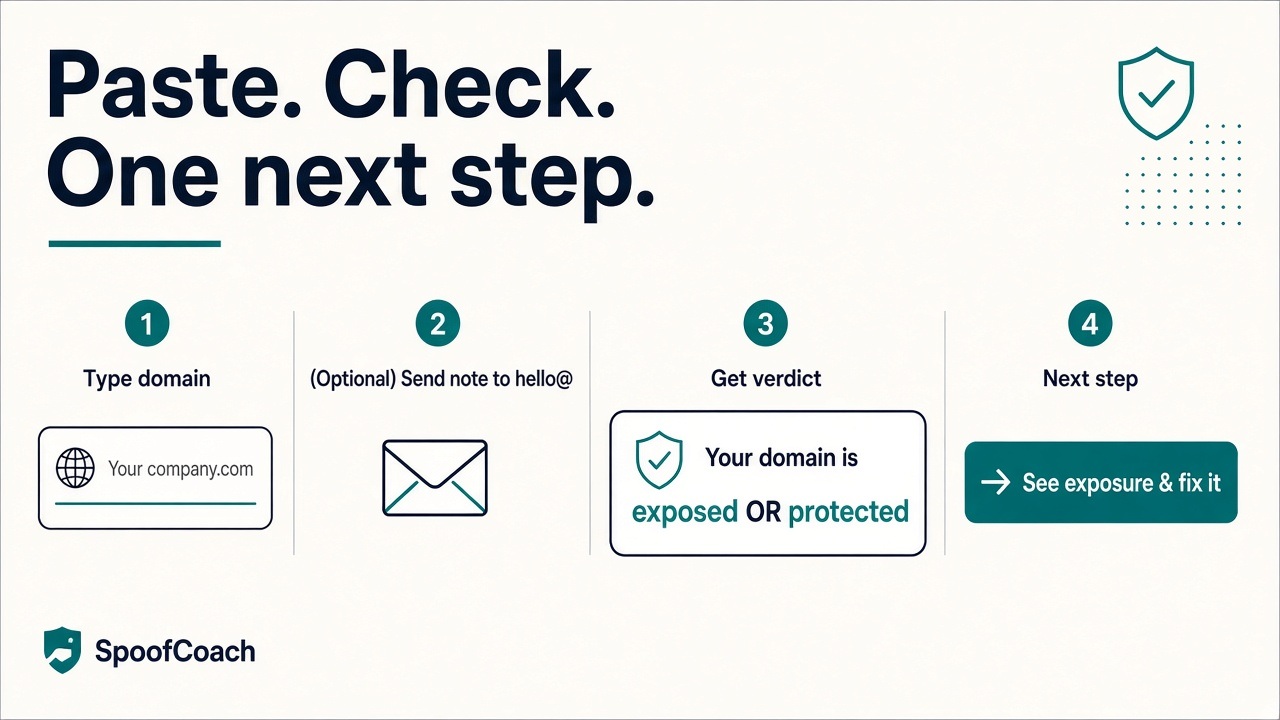
Paste your domain. See if you’re exposed or protected. Get one next step — free.
1. Enter your domain
Go to spoofcoach.com. Type your company domain (like yourcompany.com). Hit Check my domain.
2. If we ask you to send a quick note
Sometimes we need one short email from your domain to hello@spoofcoach.com so we know it’s really yours. Copy the address on screen, send a short note, then tap I’ve sent it. Stay on that page — we’ll move you forward when it lands.
3. Read your verdict
You’ll see one clear line:Your domain is exposed— orYour domain is protected. That’s the answer. Not a chart dump.
4. Do the one next step
If you’re exposed, we show one primary action in plain English. Do that one thing. Hit Check againwhen you’re done.
Need help setting this up? Contact us at hello@spoofcoach.com
Paste your domain at spoofcoach.com. No signup. Free.