Guides
Plain answers for founders. Each one ends with one next step — free.
Start here
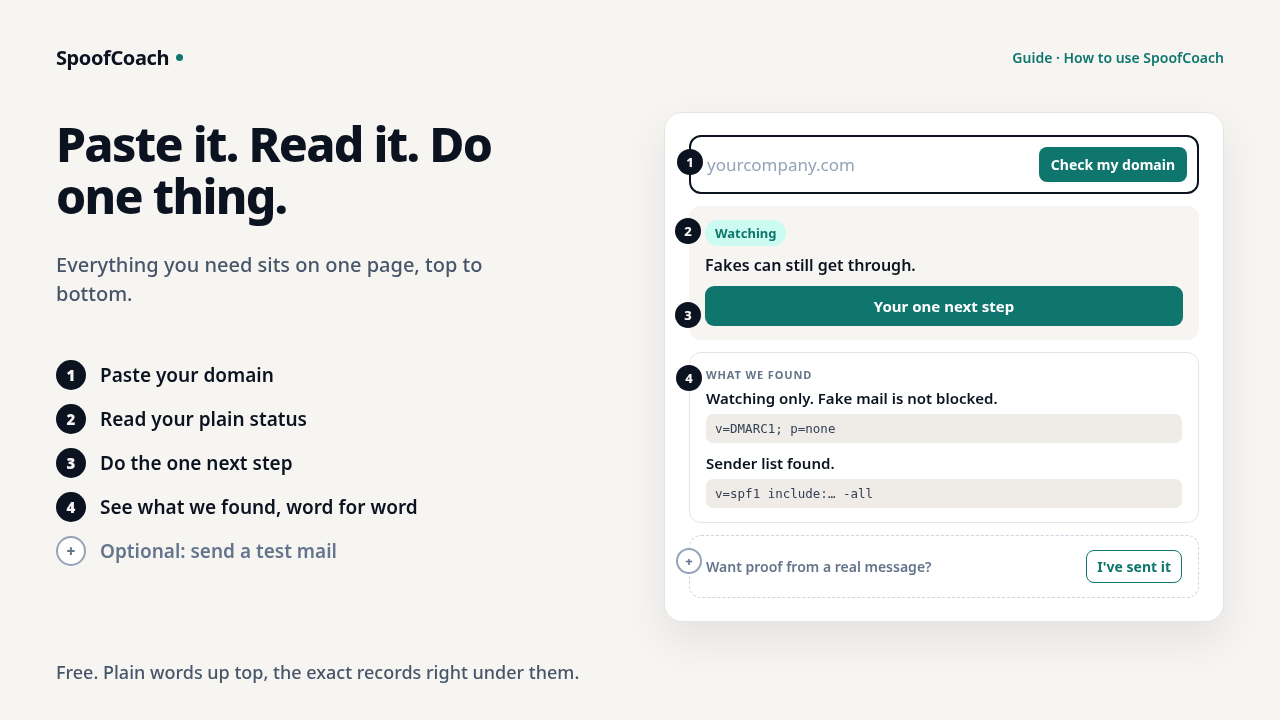
How to use SpoofCoach
Paste your domain. Get one clear next step — free.
Read →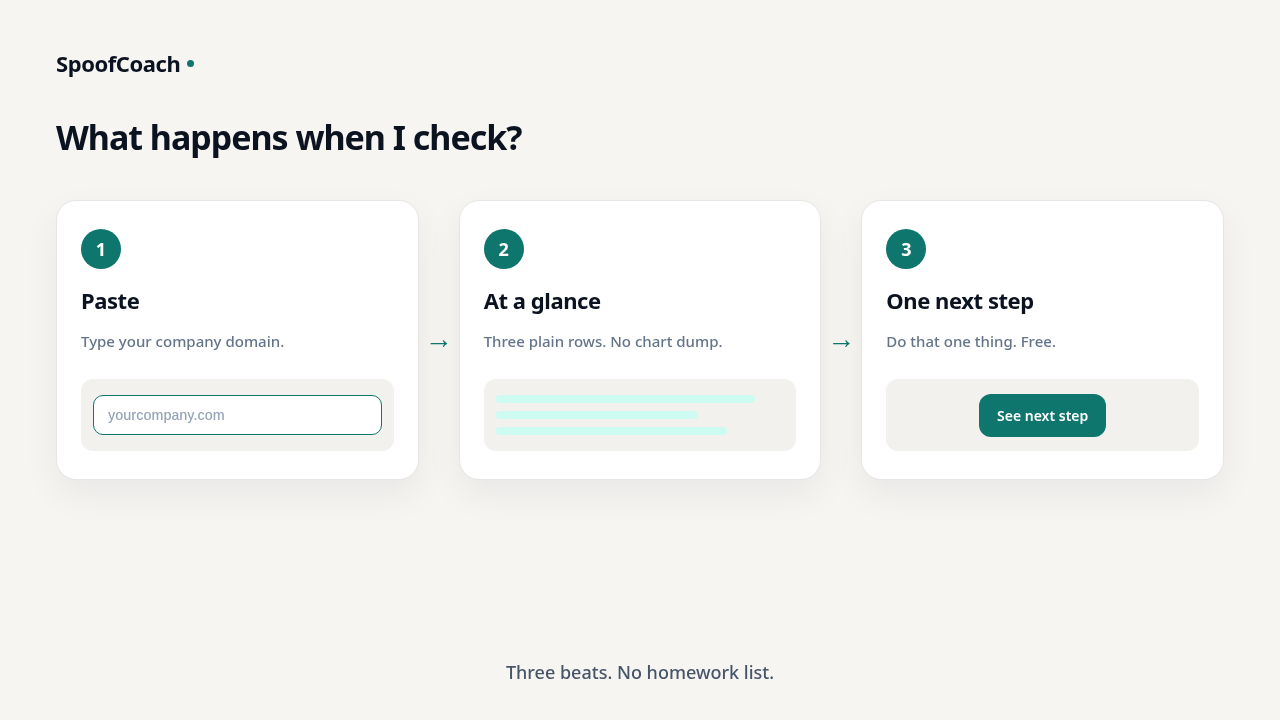
What happens when I check my domain?
See where you stand and get one clear next step — free, with no homework list.
Read →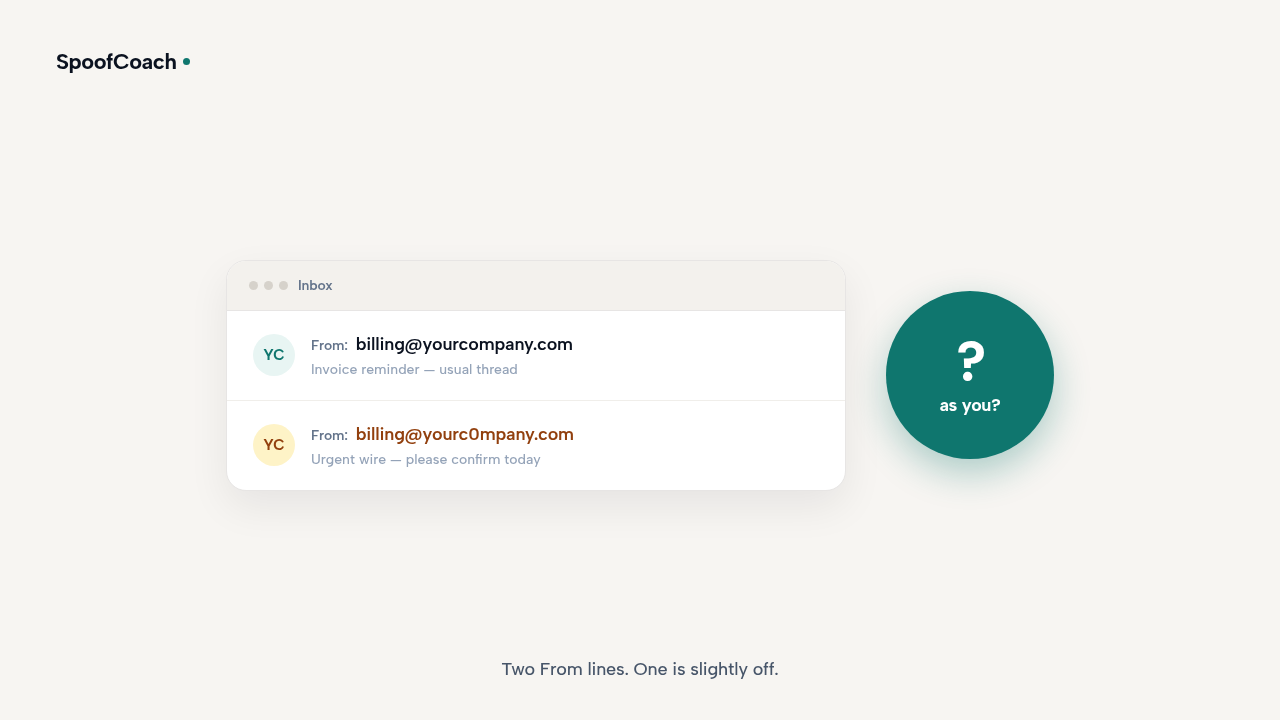
Can someone email as my company?
Yes — if spoofing isn’t blocked on your domain yet. See where you stand and get one next step.
Read →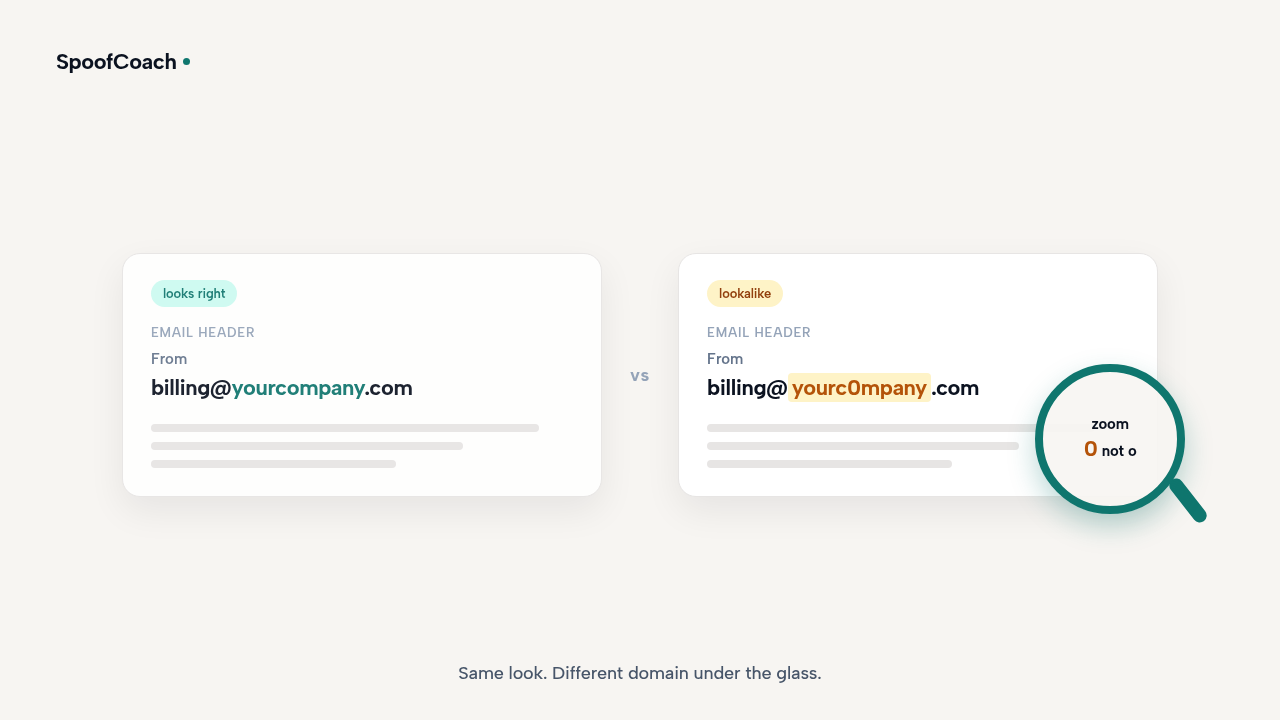
Why did a fake email look like it came from my company?
It’s often a domain unlock — not a hacked inbox. See where you stand and get one next step.
Read →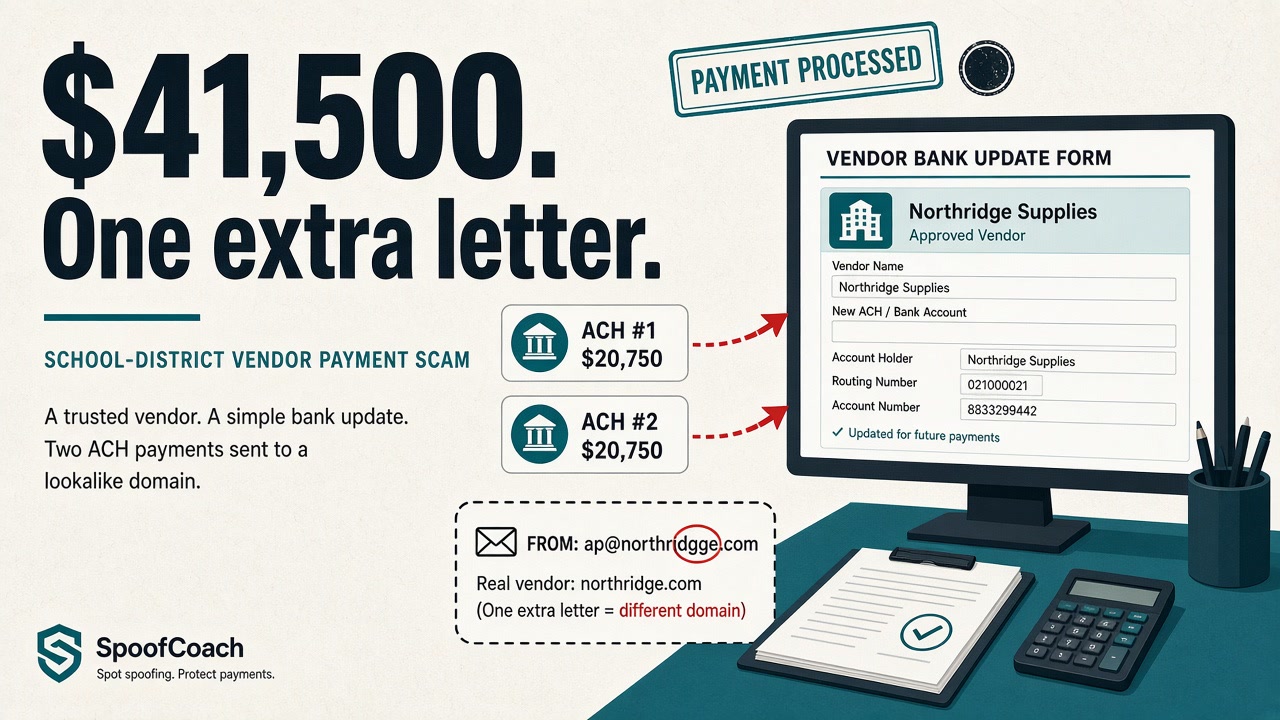
West Geauga schools lost $41,500 to a vendor email scam
A lookalike vendor email redirected ACH payments. What happened — and one free next step at spoofcoach.com.
Read →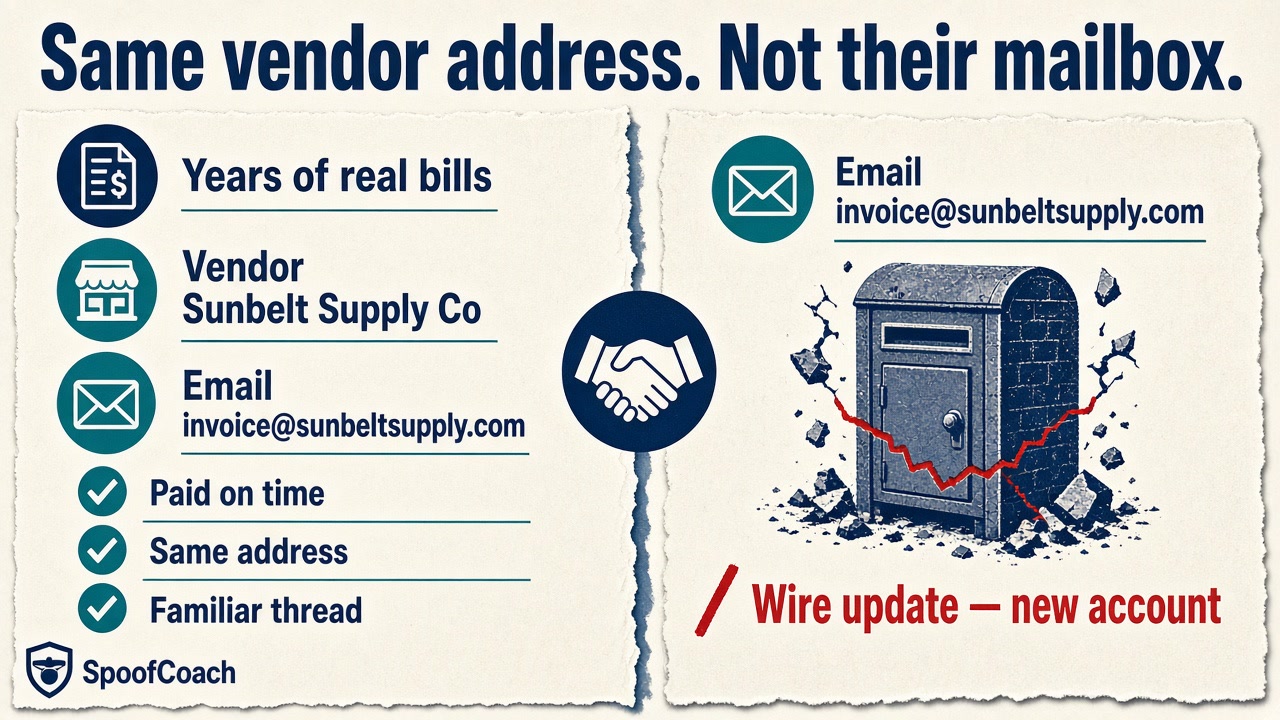
Montgomery Tank lost $40,000 after a trusted vendor’s email was taken over
A familiar vendor invoice cost $40,000 — the mailbox wasn’t theirs anymore. Free domain check at spoofcoach.com.
Read →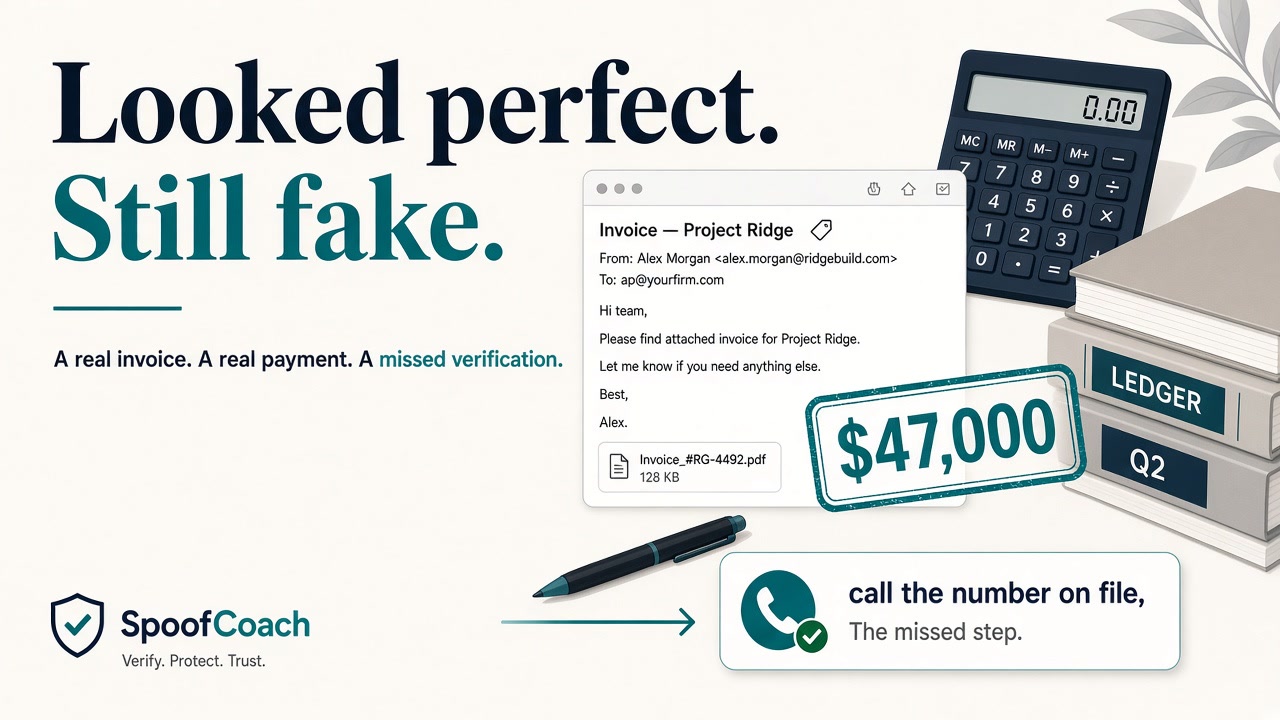
An accounting firm in Pooler wired $47,000 on a fake vendor invoice
The email looked perfect and referenced a real project. It wasn’t. Free check at spoofcoach.com.
Read →
Understand your result
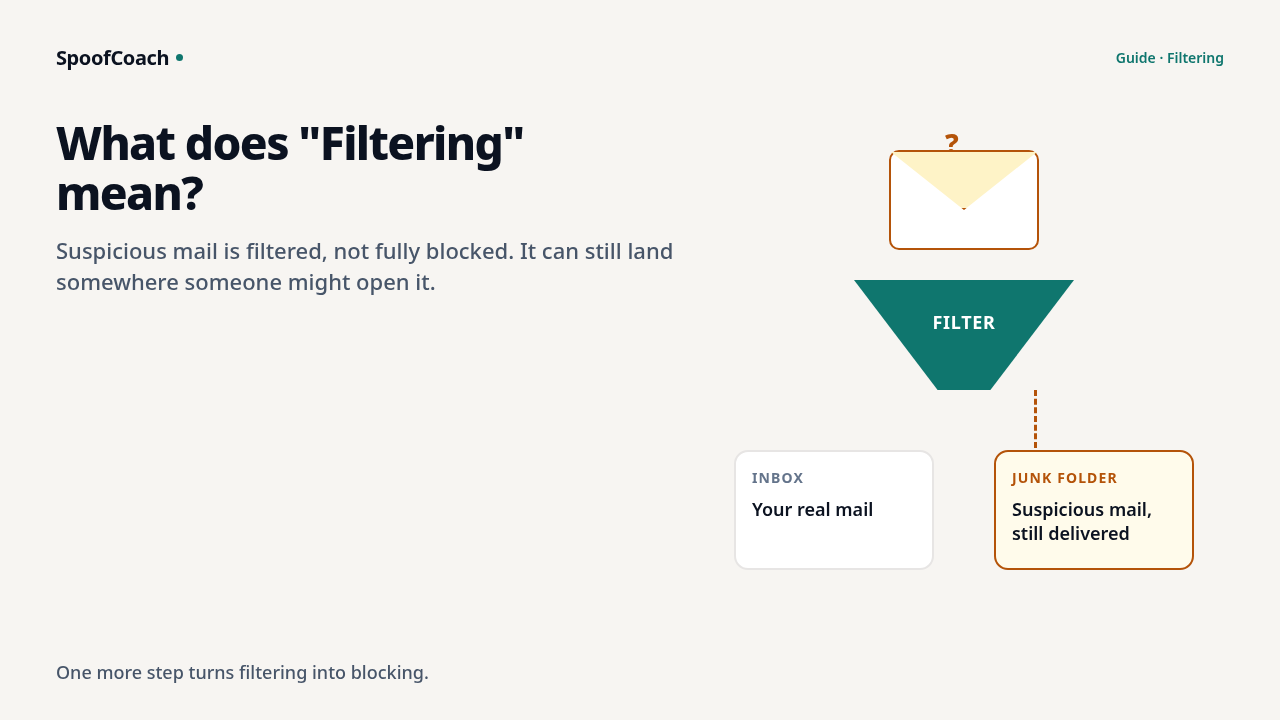
What does Filtering mean?
Filtering means fakes are getting sent to spam — one more step to spoofing blocked. Free check.
Read →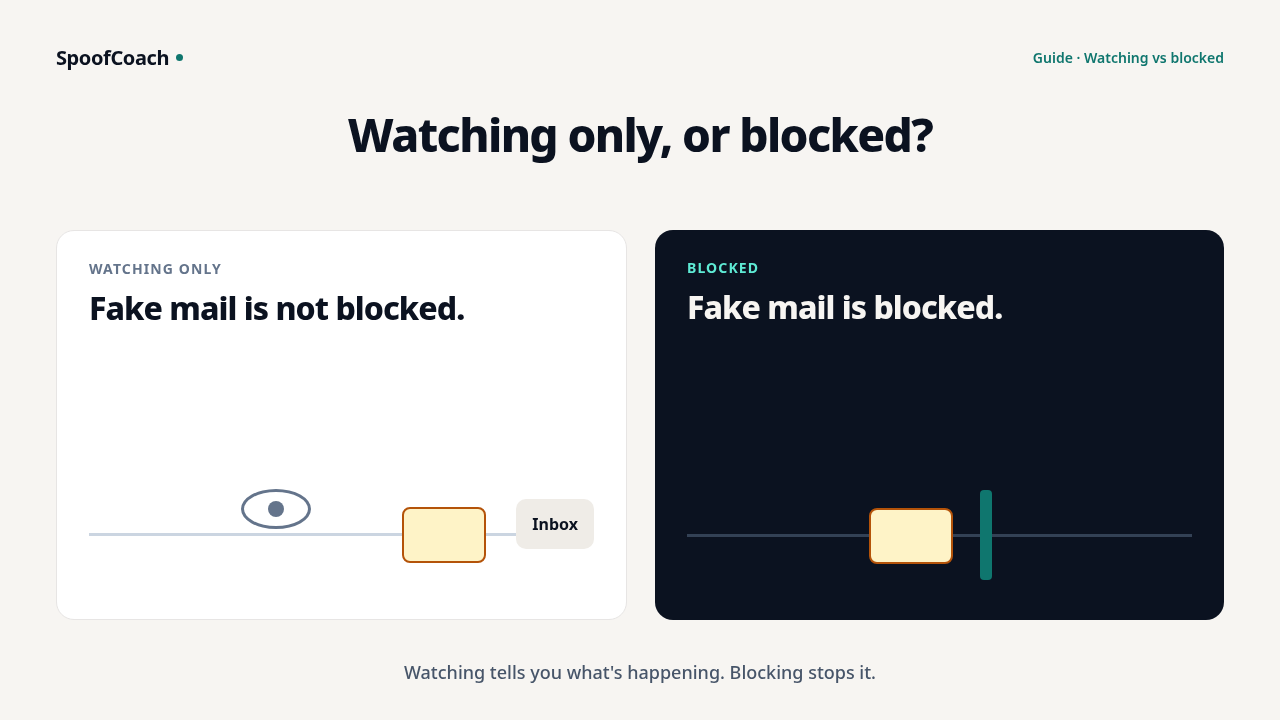
Watching only vs blocked — what’s the difference?
Watching only sees who sends as you. Blocked stops fakes. See which status you have — free.
Read →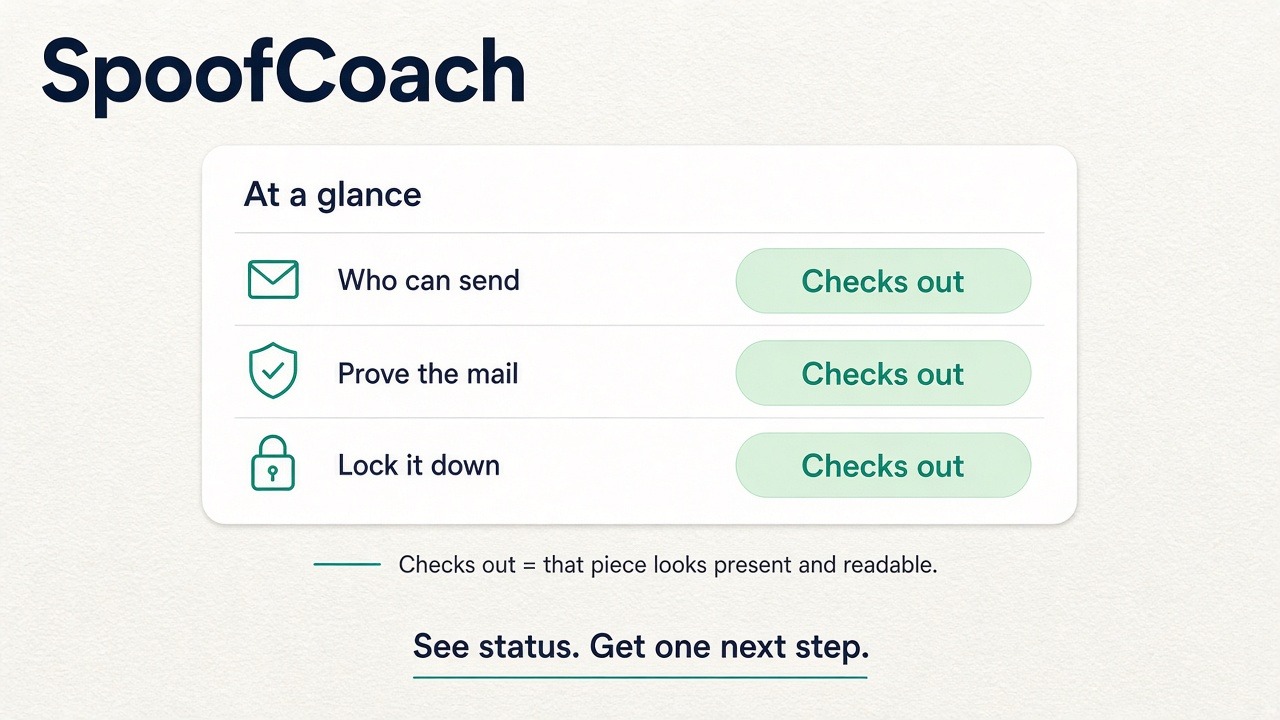
What does Checks out mean?
Checks out means that row on At a glance looks present and readable — so you can focus on what still Needs a look.
Read →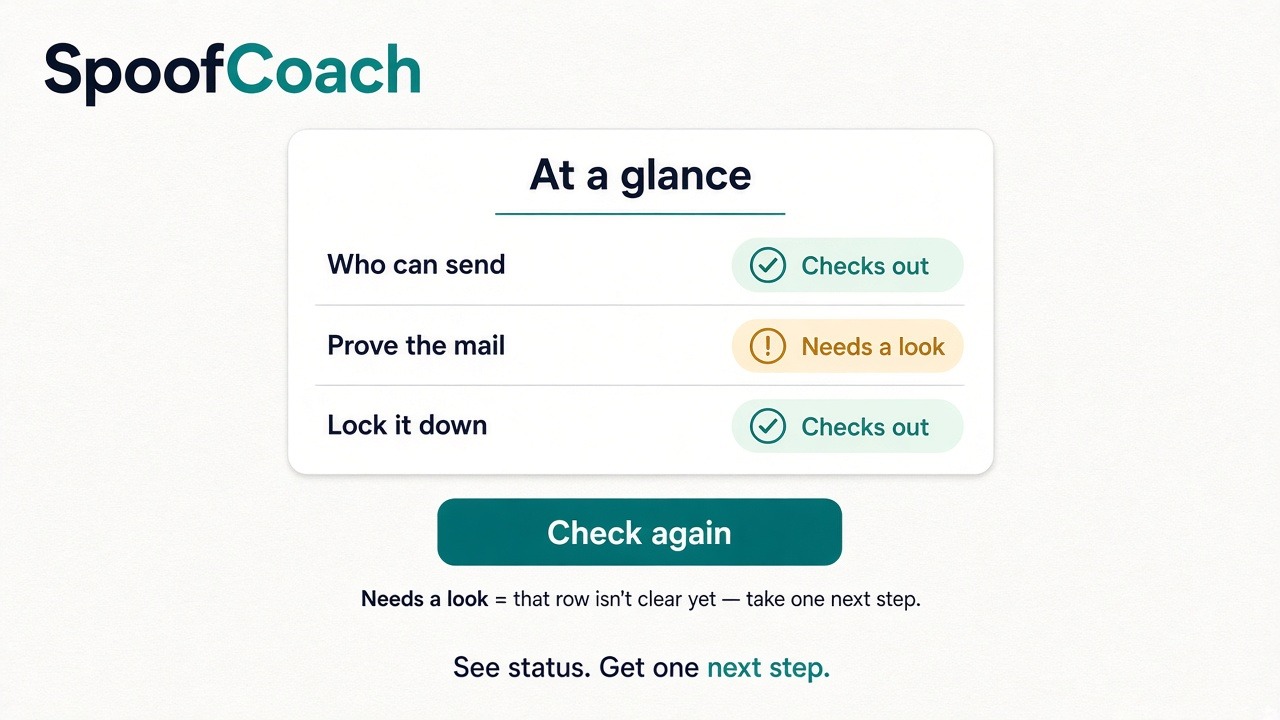
What if something Needs a look?
Needs a look means that row isn’t clear yet. One next step — then Check again. Free.
Read →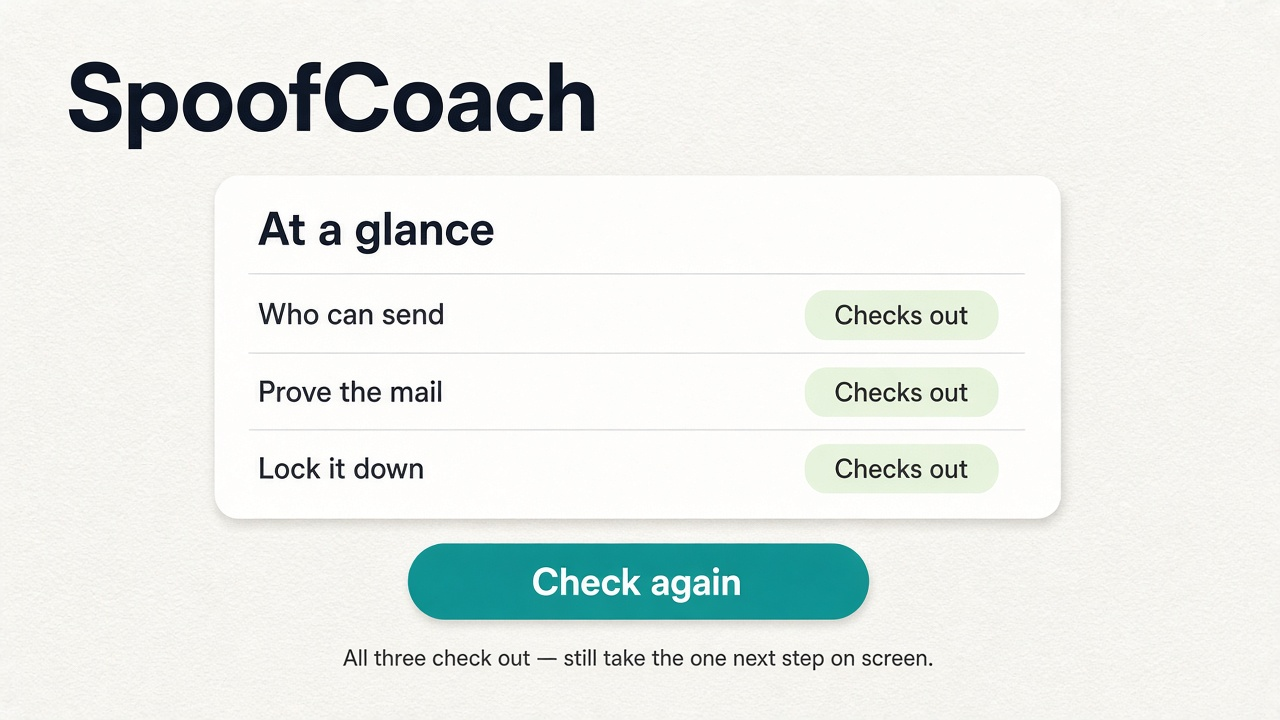
What if all three check out?
When Who can send, Prove the mail, and Lock it down all check out — still take the one next step on screen.
Read →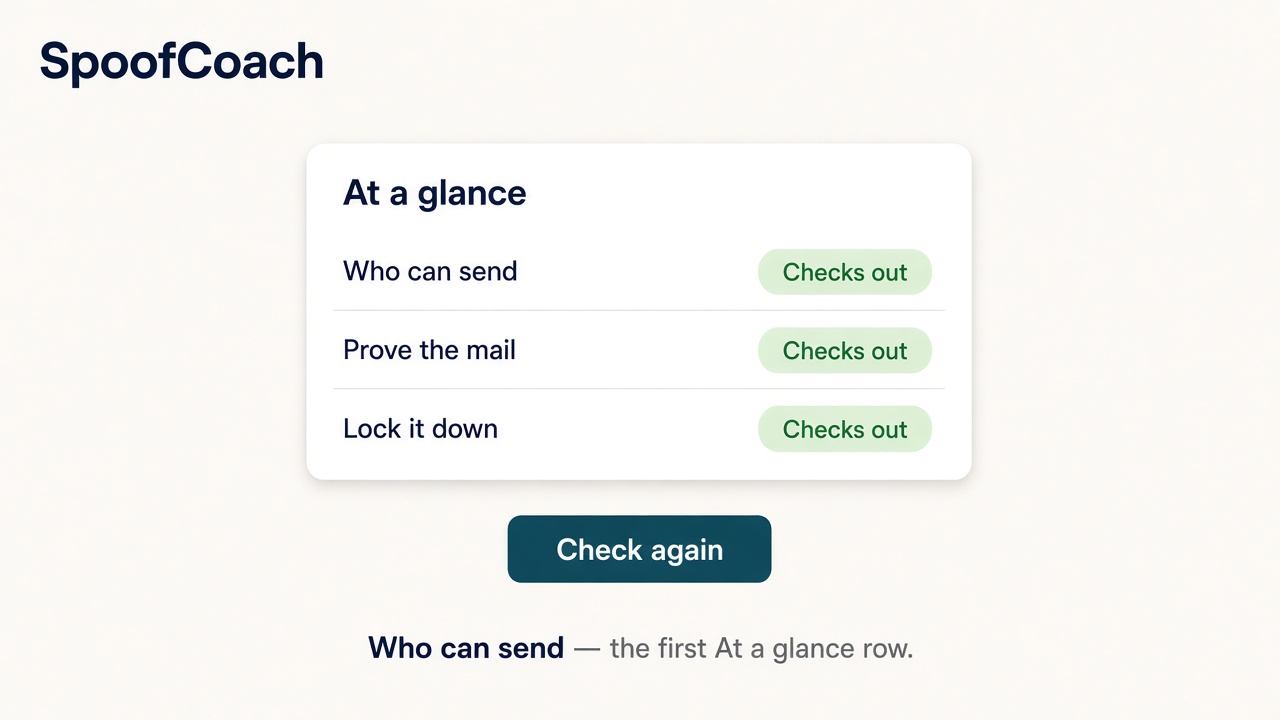
What does Who can send mean?
Who can send is the first At a glance row — who may send mail as your company.
Read →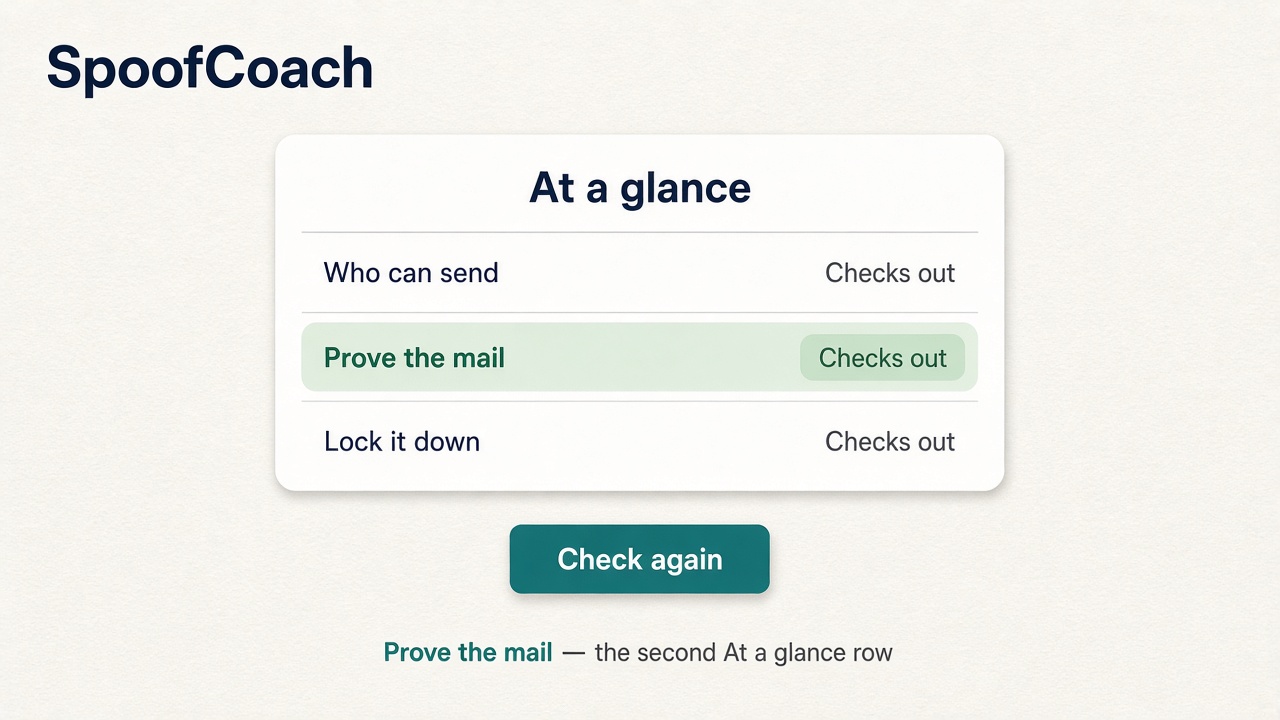
What does Prove the mail mean?
Prove the mail is the second At a glance row — the quiet prove-it’s-us mark on real mail.
Read →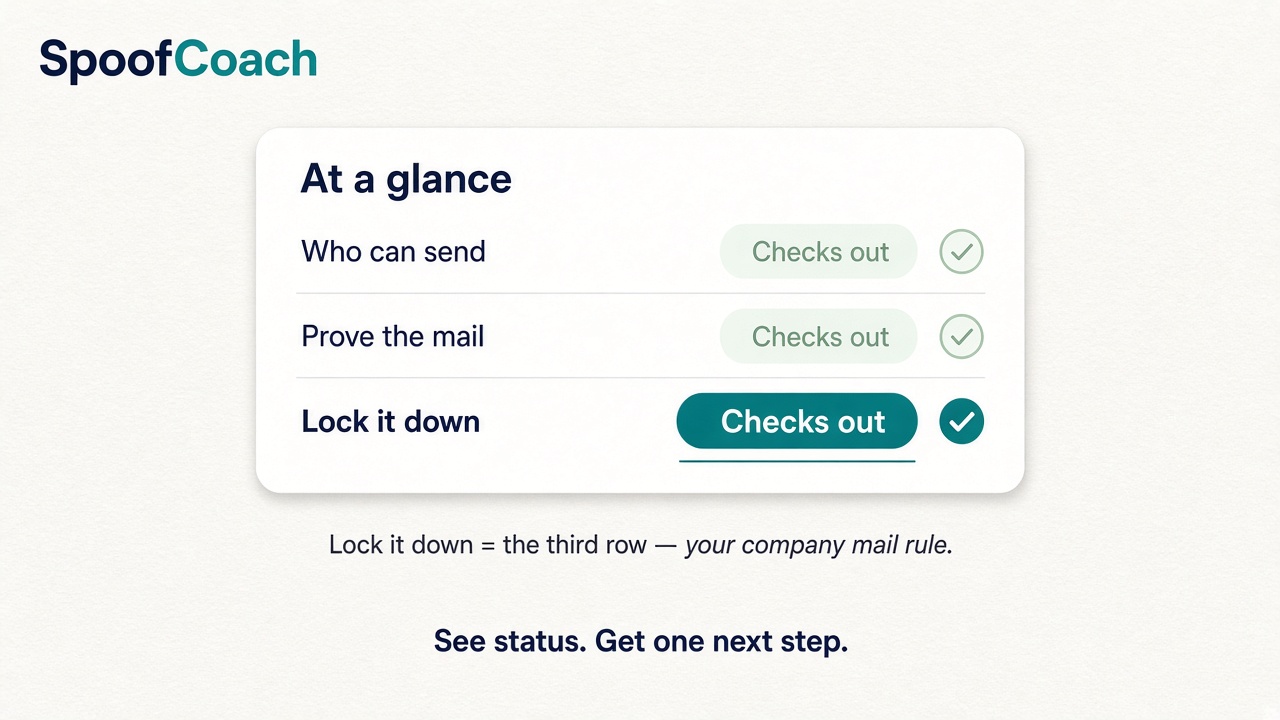
What does Lock it down mean?
Lock it down is the third At a glance row — your company mail rule. See what Checks out means here.
Read →
Fix your setup
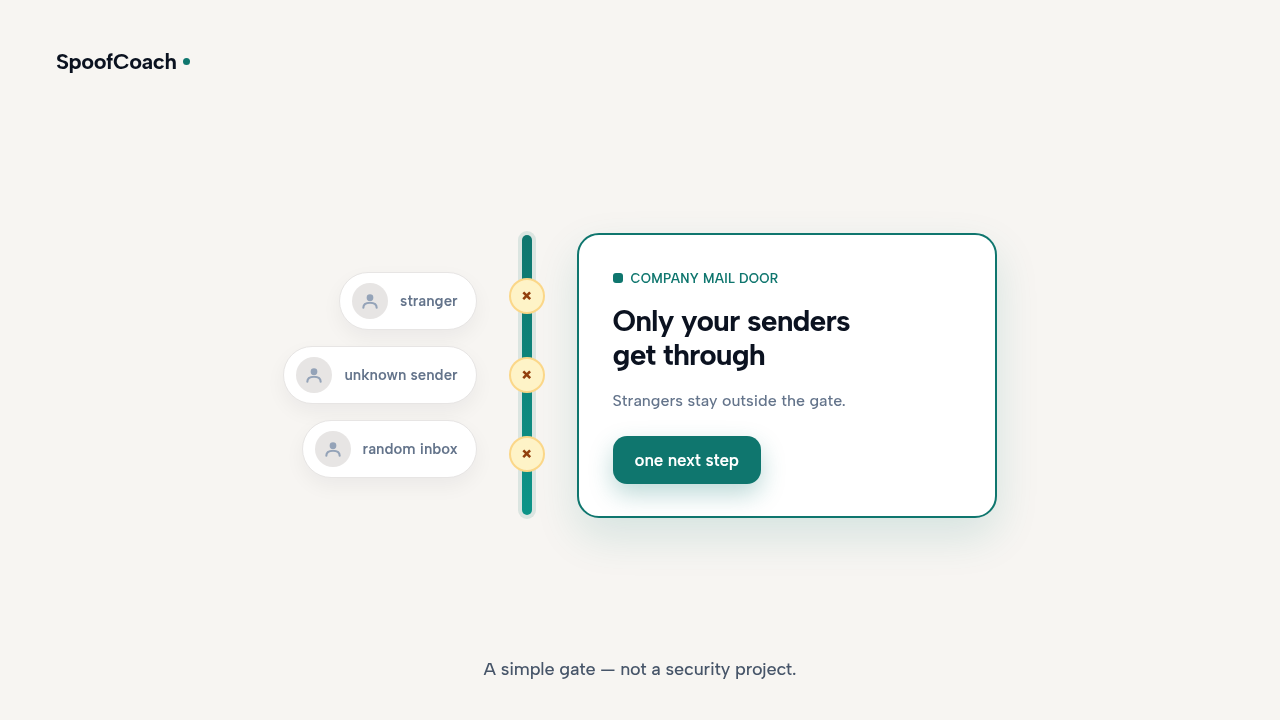
How do I stop strangers from emailing as my company?
One free check, one next step — not a security team or a dashboard.
Read →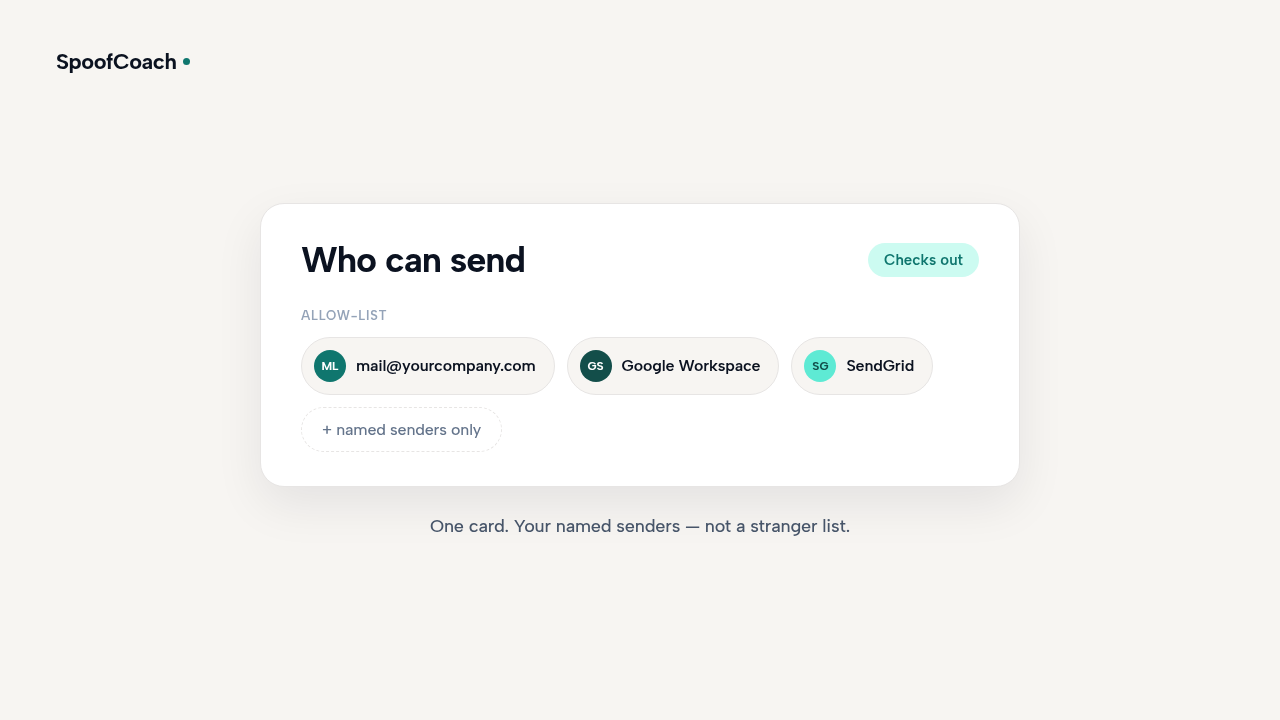
Who can send mail as my company?
Your domain should have a clear answer — strangers can try if it doesn’t. One free check, one next step.
Read →
How do I prove an email is really from us?
Real mail can carry a quiet prove-it’s-us mark. See where you stand — one free check, one next step.
Read →
Do I need an IT team to lock my company email?
No security project needed. Check your domain free and get one clear next step.
Read →